
Magic Mirror Photo Booth Software: A Feature Guide
Magic mirror photo booth software is what turns a pretty mirror into an interactive experience: touch animations, on-screen signing, instant printing and QR delivery. Here's what features really matter.
In short
Good magic mirror software should offer touch and voice animations that guide the guest, on-screen signing, instant printing with customizable templates and sharing via QR/email. Prioritize touch fluidity and frame customization over the number of effects. If you're going to buy the equipment, check out the Magic Mirror and compare it with the 360 platform depending on the type of event.
The Touch Experience: the Heart of the Mirror
What sets the mirror apart from a classic photo booth is the interaction on the screen itself.
Animations and guidance
Welcome effects, animated emojis and voice prompts that walk the guest through step by step. The more intuitive it is, the less staffing you need.
Signing and drawing
Signing on the photo with a finger is the star hook at weddings: every guest leaves their personalized keepsake before printing.
Printing and Template Customization
The mirror lives on instant printing. The software should let you design frames per event (names, date, logo), choose a 4x6 or strip format, and adjust copies. Look at how to customize photo booth templates to make the most of it at every wedding or corporate event.
GIFs, Boomerang and Sharing
Beyond the printed photo, good software generates GIFs and boomerangs for social media and sends them via QR or email. That way the guest takes home both the physical and the digital keepsake. It's the combination guests love most at weddings and corporate events.
How to Choose the Mirror Software
Ask for a demo and test the touch fluidity, the print speed and how easy it is to change a frame. Check the license (updates, support) and whether you need several languages for international events. If you sell services, a well-configured mirror raises the average ticket of your photo booth business.
Frequently Asked Questions
What sets magic mirror software apart from a regular photo booth's software?
The mirror adds touch interaction on the screen: welcome animations, voice guidance and, above all, signing on the photo with your finger. That interactive layer is what creates the experience and hooks guests.
Does the mirror software print and share at the same time?
Yes, good software prints instantly with your template and also generates a GIF or boomerang to send by QR or email. The guest takes home both the physical and the digital keepsake in the same session.
Can I customize the frame for each event?
Yes. You should be able to create templates with names, date and logo for each wedding or corporate event, choose a 4x6 or strip format and adjust the number of copies without needing technical support.
Do I need an attendant if the software is good?
The more intuitive the touch and voice guidance, the less staff you need. Even so, at large events an attendant improves flow and looks after the equipment. It depends on the number of guests and the format.
Can I use the mirror's software on another booth?
It depends on the licence: mirror-specific software is tied to the vertical touchscreen and its animations, and is not always transferable to another machine. If you plan to run several formats, weigh a multi-format software over one chained to the mirror.
What Does a Magic Mirror Booth App Need That Others Do Not?
Three things specific to the mirror: animations that read well through a reflection (thick outlines, high contrast), on-glass signature with a finger, and touch calibration, because the screen sits behind a mirrored film and the touch point drifts. A generic magic mirror booth app will run, but it loses exactly the part that makes the mirror worth its price.
Our Photo Booths
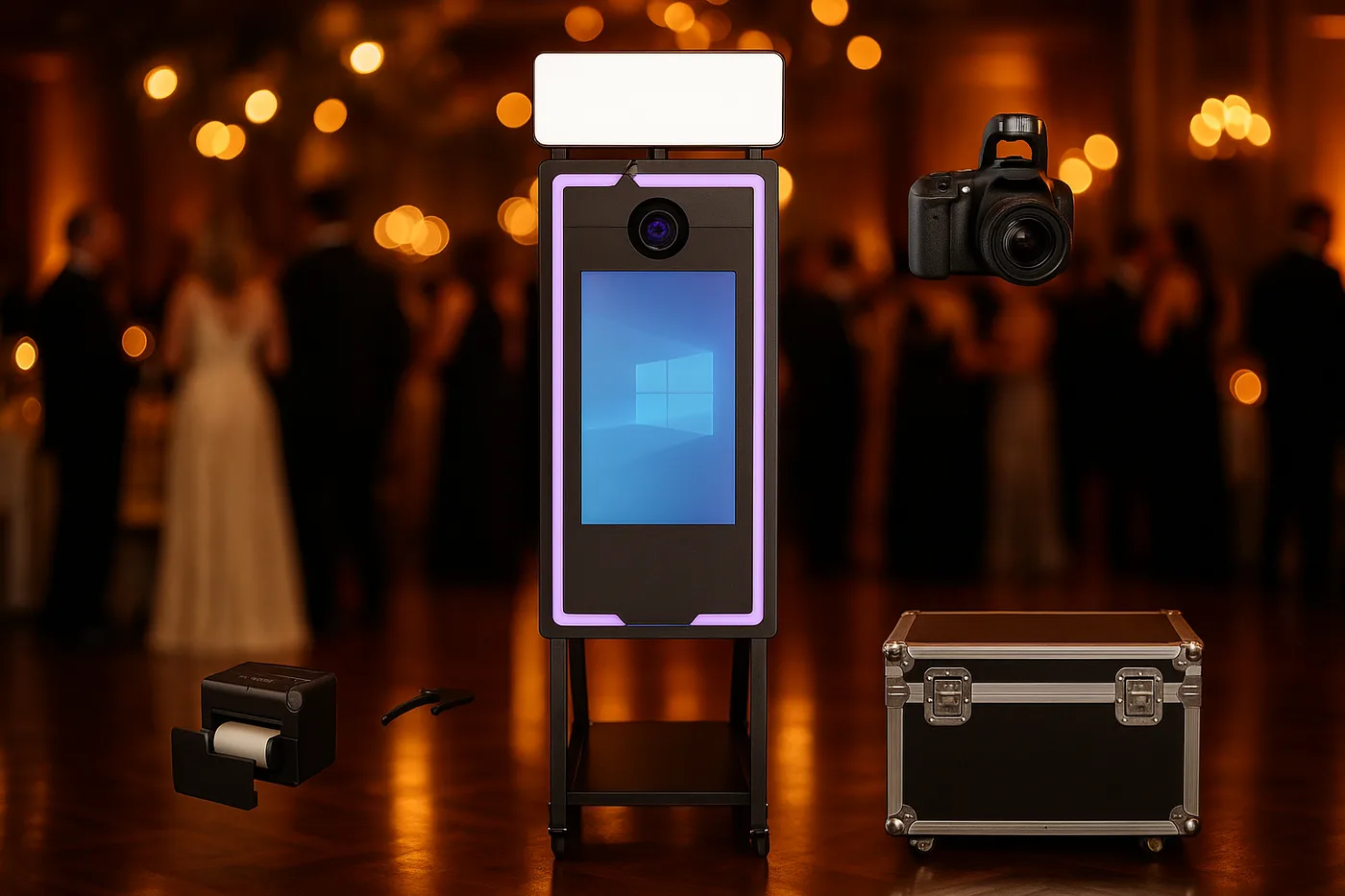
Magic Mirror
Elegance and a premium experience for weddings, ready for instant printing*
From 2.290 €* →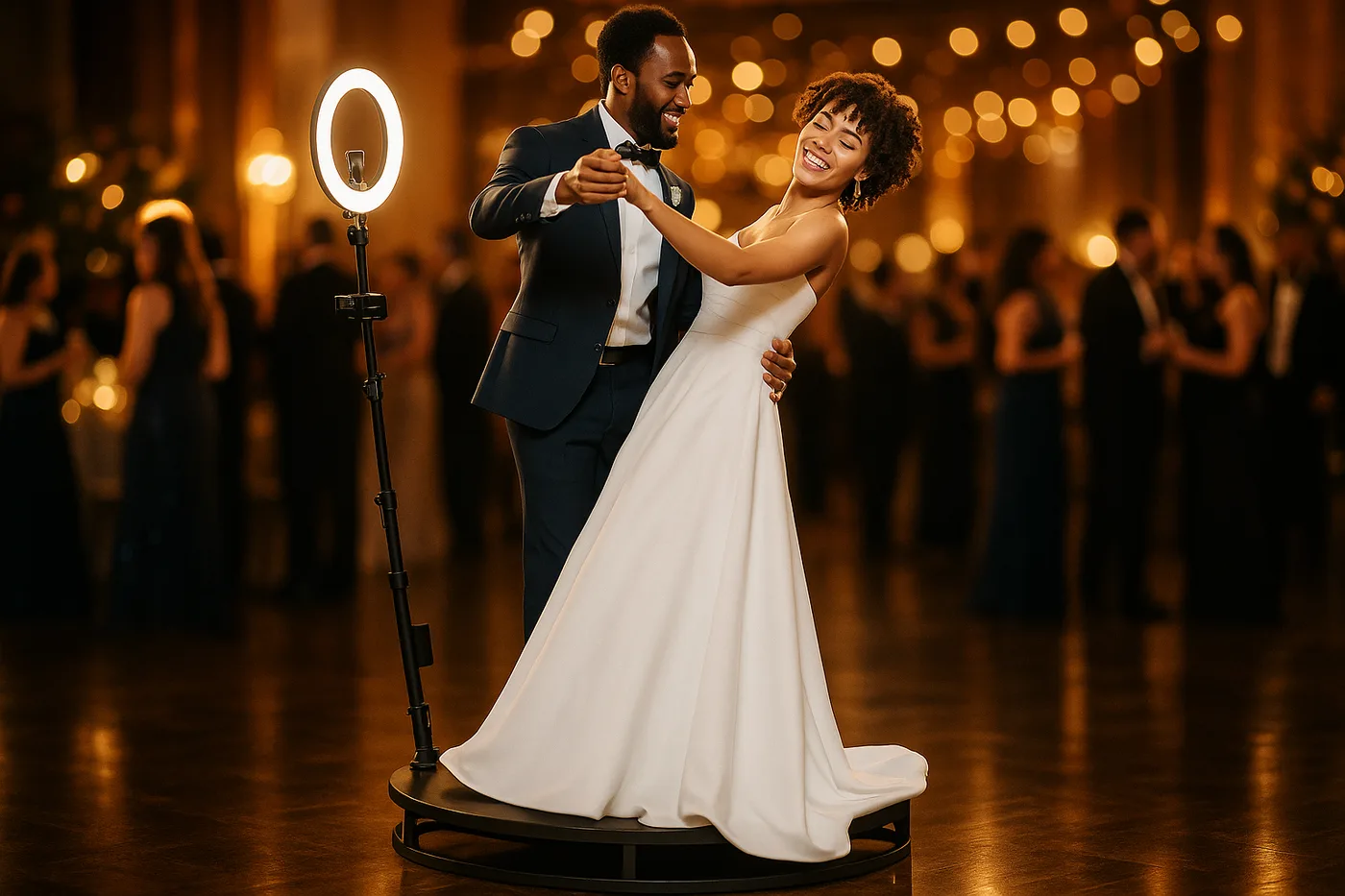
360 Platform
The most viral spinning 360 platform for weddings and events
From 2.690 € →* Photo booth price. Canon camera and DNP printer optional, subject to conditions: ask us for a quote and we will put together the complete kit.
Related Guides
Keep reading
Need Help Choosing?
We're direct manufacturers. We'll advise you with no obligation for your case.