
Online Photo Booth: What a Virtual and Digital Booth Really Does
An online photo booth (also sold as a virtual photo booth or a digital photo booth) is a web page guests open from a link or a QR code. They shoot with the camera on their own phone, your template and logo are applied, and the shot lands in a shared event gallery. There is no machine, no professional camera and no printer: the phone in each guest's hand does all of it. It costs between 0 and 100 € per event depending on the platform, it takes ten minutes to set up, and it has one hard limit: there is no print, and the print is what people take home. Here is what it gives you, what it does not, and how it works alongside real kit.
What a Virtual Photo Booth Is and How It Works
A photo booth website always works the same way:
1. You create the event on the platform and upload your template, logo and colours.
2. The platform gives you a link and a QR code to print on tables, on the backdrop or on the invitations.
3. The guest scans, the camera opens in the phone browser (no app to install on most platforms), there is a countdown and it fires.
4. The photo comes out with your template on it, the guest shares it, and it is saved to the event gallery you watch in real time.
Hence the other names it is searched under: photo booth online, selfie booth website, photo booth web, photo booth app, digital photo booth. All of them describe the same thing: booth software without the booth.
What an Online Photo Booth Gives You
It has real advantages and they are worth naming:
No floor space and no attendant. No square metres, no power socket, nobody minding it. In a packed room that counts for a lot.
It scales with no queue. A hundred guests can shoot at the same moment, each on their own phone. A physical booth serves one group at a time.
It reaches people who are not there. Family watching the wedding on a video call, or the team in the other office, take part on the same terms.
It is cheap. Free tiers with a watermark, paid per-event plans between 20 and 100 €.
It collects branded content. At a corporate event every photo carries the logo and gets shared from the guest's own account, which is the best distribution there is.
What It Cannot Do: the Print and the Good Camera
And here is the part the platforms tend not to lead with.
No print. The paper strip is the reason people queue at a booth: they carry it out with them, it goes on the fridge and it doubles as the wedding guest book. A digital gallery gets one look and then lives in the camera roll. We put numbers on it in photo booth prints or digital.
The photo comes from the guest's phone. Front camera, no light of its own, in a room at half light. A recent iPhone does fine; a budget handset at midnight does not. A physical booth carries a DSLR and continuous lighting for exactly this reason, explained in cameras for photo booths.
Nothing pulls people in. A machine in the middle of the room recruits by itself: people see the queue and join it. A QR on a table has to be announced three times over the PA.
It depends on the signal. A hundred phones uploading over the wifi of a country venue is a gamble. Professional kit records locally and uploads in a queue when the connection returns.
No 360 video. The wraparound clip needs an arm rotating around the guest. A phone held still in someone's hand cannot produce it.
When a Digital Photo Booth Is the Right Answer
Three cases where a virtual photo booth is correct rather than a substitute:
Hybrid and remote events. A meeting split across three cities, an online company celebration, a launch with clients dialling in. It is the only option that exists.
Tight budgets. When the real choice is between renting kit (300 to 800 € per event in most markets) and having nothing at all, an online booth at 50 € beats nothing.
Very large or spread-out events. A thousand-person conference or a three-day trade fair with several stands: the QR reaches everywhere, and the physical machine goes where you actually want the queue to form.
And a fourth case that works very well: as a complement to the machine rather than a replacement.
What Actually Works: Both at Once
The events that land best use physical kit as the centre and digital for reach.
The booth prints the copy the guest takes home, and that same session is sent instantly to their phone by QR, email or WhatsApp. In parallel, the event link also collects the photos people take on their own, and the client ends up with a single gallery holding everything.
The digital half is already standard in professional software: instant QR delivery, an event gallery and email sending. Compared with real prices in best 360 photo booth software.
If the event is going to print, the printer sets the pace of the queue: 8 to 12 seconds per copy on a DNP dye-sub against more than a minute on an inkjet. Which one to pick is in which DNP printer to buy.
Photo Booth With an iPad: the Middle Ground
Between the QR on a table and a factory machine sits the photo booth with iPad setup: a tablet on a stand running a booth app, with a countdown, your template and QR delivery.
It beats a bare QR because there is a physical place to walk up to, and people queue for a place, not for a link. It falls short of a DSLR with continuous light on image quality, and it still needs someone to keep an eye on it.
Searches like photo booth using ipad, 360 photo booth with ipad or photo booth without ipad are all really asking the same question: how much machine do I need. The build, part by part with prices, is in DIY photo booth.
Is There a Free Online Photo Booth?
Yes, with conditions. What the market actually offers is three things:
- Free tiers with the provider's watermark on every photo and no template of your own.
- Trials capped by time or by number of photos, useful for showing a client the idea.
- Paid per-event plans, 20 to 100 € depending on the platform, with your branding, a downloadable gallery and no third-party logos.
For a party among friends, the free tier is plenty. For a corporate event, another company's watermark across your photos is the opposite of what you are paying for.
Online or Physical: the Honest Comparison
Neither wins outright. It depends on what you want the guest to walk away with, and on whether the event has a place and a time at all.
From an Online Booth to Your Own Machine
Plenty of people arrive at the online photo booth looking for the cheap option and end up buying a machine, for one specific reason: the first time you see a queue in front of a magic mirror, the point of the thing clicks.
If that is you, the full catalogue with prices is in buy a photo booth. The three most asked for: the magic mirror photo booth from 2.290 €, the 360 spinner platform from 2.690 € and the overhead 360 from 3.290 €. The Canon camera and the DNP printer are quoted separately, on request, and we ship to 72 countries (149 € continental Europe, 249 € northern Europe and islands, 990 € the rest of the world).
And if you would rather build it yourself with what you already own, we have the honest guide to the DIY photo booth, with the full cost and the places it falls over.
Comparison table
| Criterion | Online Photo Booth | Physical Photo Booth |
|---|---|---|
| Printed photo | No | Yes, in 8 to 12 seconds |
| Image quality | Whatever the guest's phone does | DSLR with continuous lighting |
| Cost per event | 0 to 100 € | Rental 300 to 800 €, or buy from 2.290 € |
| Setup | A QR code, ten minutes | Set up on site |
| Capacity at once | Unlimited, everyone on their own phone | One group at a time |
| 360 video | No | Yes, spinner platform or overhead arm |
| Works with no signal | No | Yes, records locally and uploads later |
| Pulls a crowd on its own | Has to be announced | Yes, the queue recruits the queue |
Frequently Asked Questions
What Is an Online Photo Booth?
A web page guests open from a link or a QR code, where they shoot with the camera on their own phone. The photo comes out with the event template and logo and is saved to a shared gallery. There is no machine, no professional camera and no printer: it is booth software without the booth.
What Is the Difference Between a Virtual and a Physical Photo Booth?
The virtual one uses the guest's phone and delivers digitally only. The physical one carries a DSLR, continuous lighting, a screen and a printer, and hands over a print in seconds as well as sending the digital copy. Virtual scales with no queue and costs little; physical gives better images, a keepsake in hand and pulls a crowd by itself.
Is There a Free Virtual Photo Booth?
There are free tiers with the provider's watermark and no custom template, plus trials capped by time or number of photos. With your own branding, a downloadable gallery and no third-party logos, paid per-event plans run 20 to 100 € depending on the platform.
How Does a Photo Booth With a QR Code Work?
You print the event QR and put it on tables or the backdrop. The guest scans it, the camera opens in the phone browser with no app to install, there is a countdown and it fires. Your template is applied and the shot lands in the event gallery you watch live. The same QR is used on physical booths to send each session's digital copy.
Does a Digital Photo Booth Print Photos?
No, and that is its main limit. The print is what the guest takes home and what doubles as a wedding guest book. If you want prints you need a dye-sublimation printer, and at that point you are looking at a physical booth. We compare prints against digital delivery on the blog.
What Events Suit a Virtual Photo Booth?
Hybrid or fully remote events (meetings, online company celebrations, launches with clients dialling in), budgets where renting kit does not fit, and very large or spread-out conferences and fairs where a QR reaches places a machine cannot. At in-person weddings and parties it works better alongside real kit than instead of it.
Can You Use an iPad or Tablet as a Photo Booth?
Yes, and it is the middle ground between an online booth and a professional one: a tablet on a stand, a booth app with a countdown and a template, and QR delivery. It gives a better experience than a bare QR because there is somewhere to walk up to, and worse image quality than a DSLR with continuous light. The build is in our DIY photo booth guide.
What Software Does an Online Photo Booth Need?
A virtual booth web platform, bought per event or on subscription. If you also own a machine, professional booth software already includes the digital half: instant delivery by QR, email or AirDrop and an event gallery. They are compared with real prices in best 360 photo booth software.
Can an Online Photo Booth Record 360 Videos?
No. A 360 video needs a motorised arm rotating around the guest, synced to the software. A phone held still cannot do it. For 360 video you need a spinner platform or an overhead model.
What Does the Guest Need to Use a Virtual Photo Booth?
A phone and a connection. On most platforms there is no app to install: the camera opens in the browser once the QR is scanned. Which is why the venue's signal is worth checking beforehand, since a hundred phones uploading at once over rural wifi is where these evenings usually fail.
How Much Does an Online Photo Booth Cost?
From 0 € on watermarked free tiers to roughly 20 to 100 € per event on paid plans with your branding and a downloadable gallery. For reference, renting a physical booth runs 300 to 800 € per event in most markets and buying one starts at 2.290 €, camera and printer quoted separately, on request.
Our Photo Booths
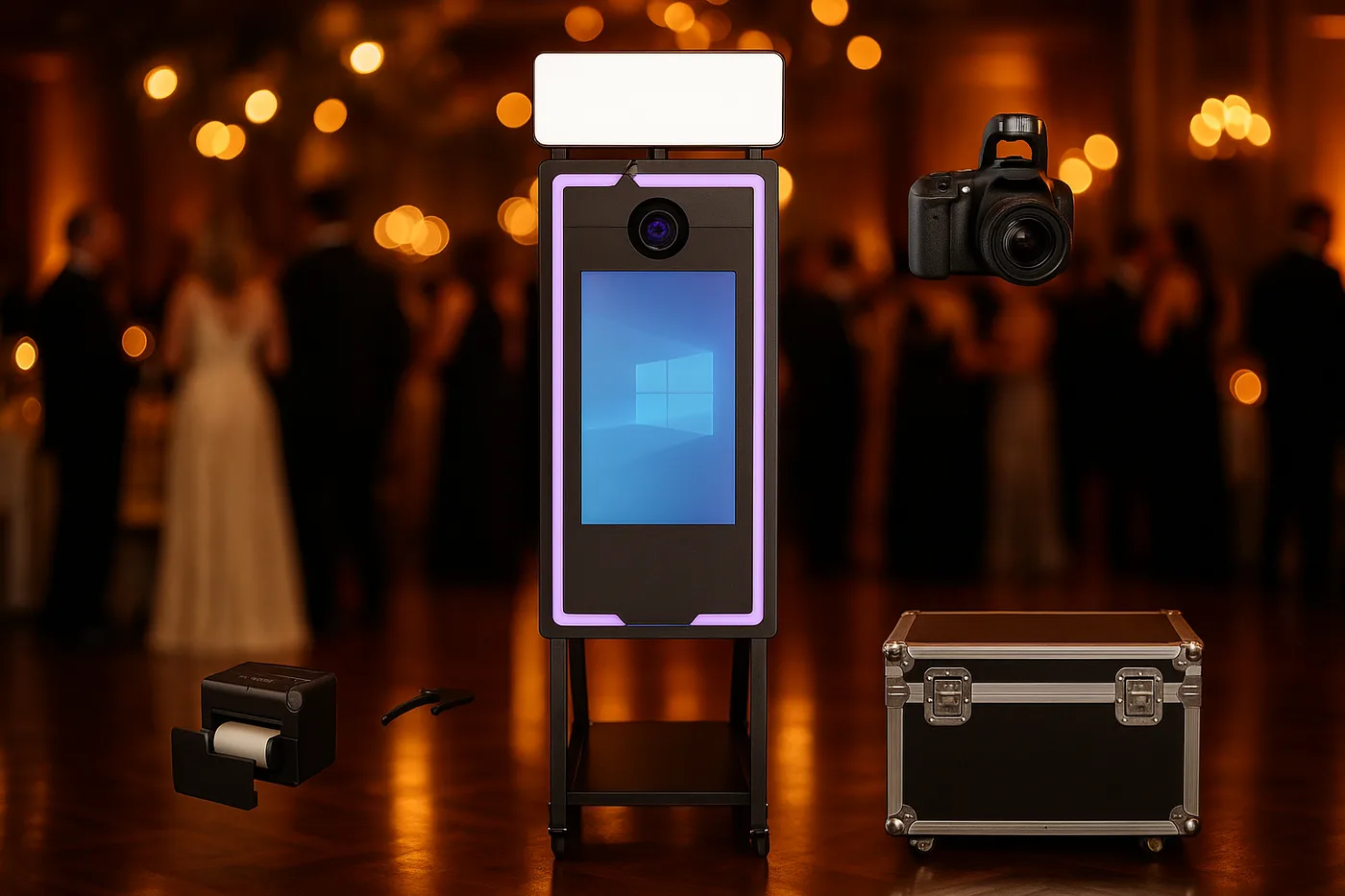
Magic Mirror
Elegance and a premium experience for weddings, ready for instant printing*
From 2.290 €* →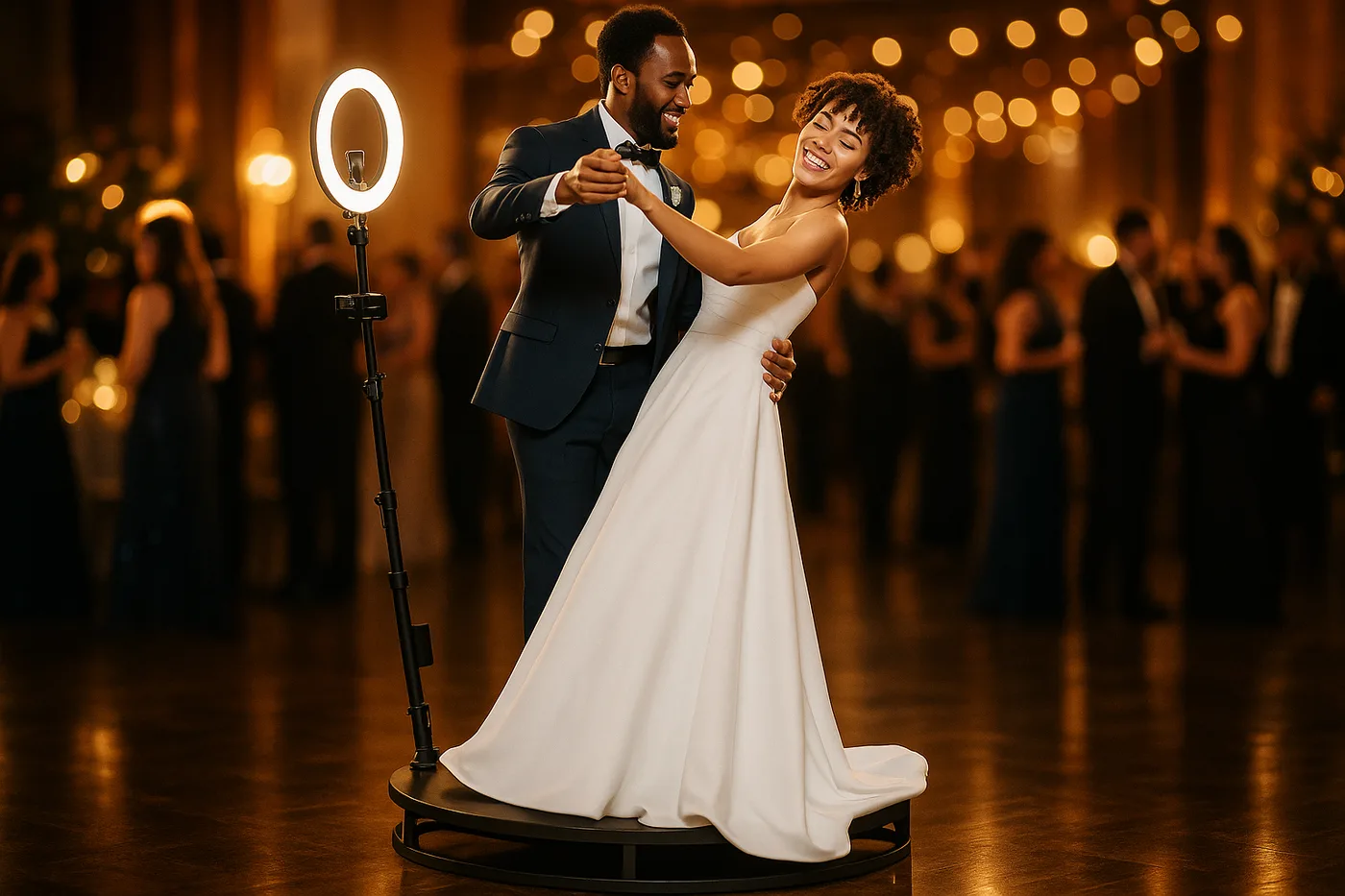
360 Platform
The most viral spinning 360 platform for weddings and events
From 2.690 € →* Photo booth price. Canon camera and DNP printer optional, subject to conditions: ask us for a quote and we will put together the complete kit.
Related Guides
Need Help Choosing?
We're direct manufacturers. We'll advise you with no obligation for your case.