
Photo Booth for Bars and Restaurants: a Machine That Earns on Its Own
A photo booth for bars and restaurants is not the unit you hire for one night: it is a self service vending booth that stays installed, charges per photo by card or coins and earns money without anyone on your team attending it. It takes up little more than a third of a square metre, plugs into a normal socket and works the same hours the venue does. Here is the concrete part: how much space it needs, where to put it, what it can bill in a month, who keeps the takings, what upkeep it really involves and how to switch it to free mode for the venue's own parties.
Why a Bar Is a Good Spot for a Photo Booth
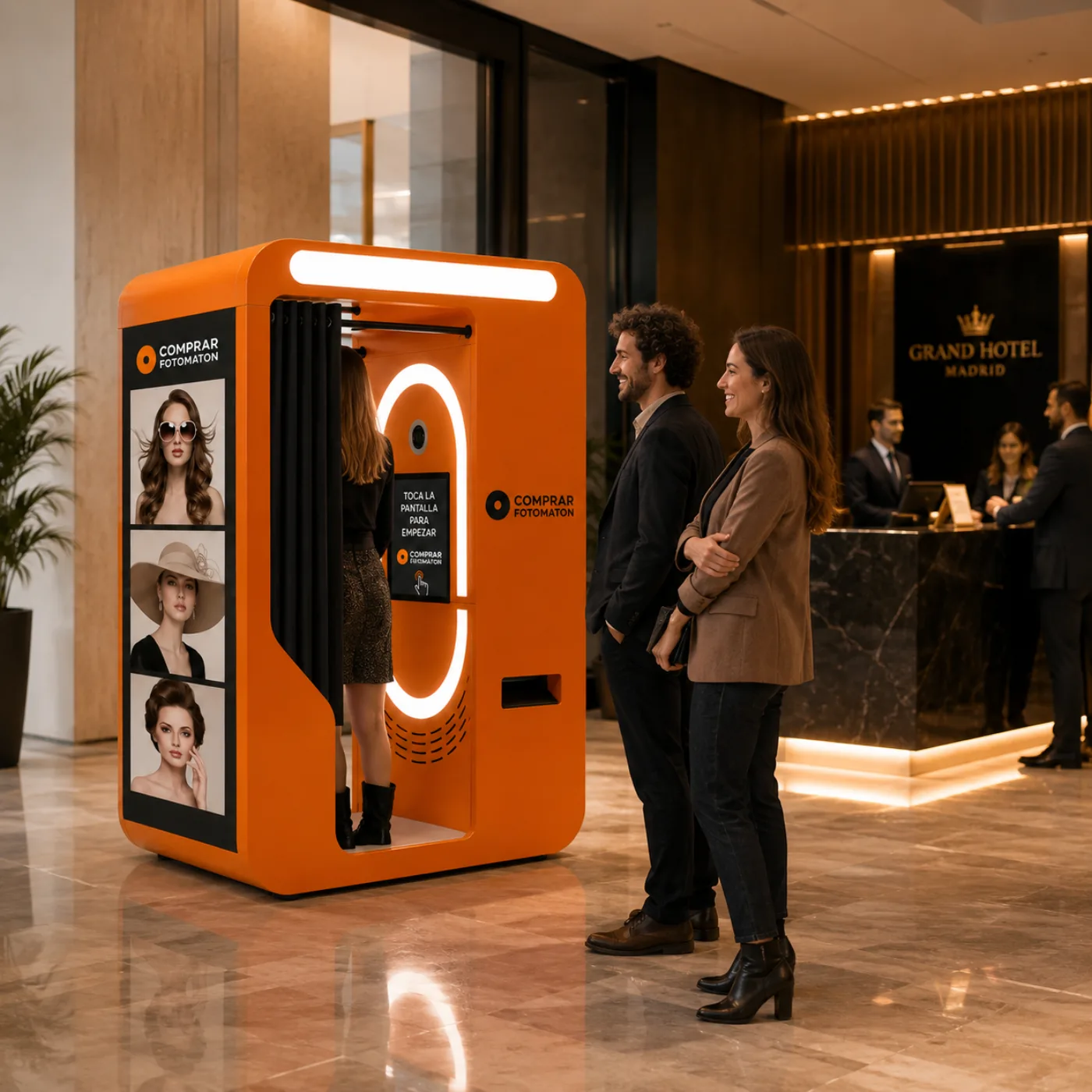
A bar or a restaurant brings together three things a self service photo machine needs to perform, and almost nowhere else has all three at once.
People in celebration mode. Nobody goes to a bar to work. The birthday dinner, the hen night, the Friday round: those are exactly the moments when a photo feels right and gets paid for without a second thought.
Waiting time. Waiting for a table, queuing at the bar or the gap between courses is the booth's natural slot. It competes with nothing.
Customers who come back. Unlike an event, the same people return here. Change the template by season (Christmas, carnival, the football final, Halloween) and the machine works again on the same customers.
And a fourth reason that is not about takings: every print carries the venue's name and logo and ends up on your customer's phone and social feed. That is free geotagged advertising. The experience and loyalty angle is developed in photo booth for restaurants and hospitality; this page is about the equipment and the numbers.
- A leisure crowd, already inclined to take a photo and pay for it.
- Waiting gaps the booth fills without taking tables or slowing service.
- Repeat customers: change the template and it works all over again.
- Every print carries your brand to a customer's phone and feed.
How Much Space It Takes and Where to Put It
The two formats that fit hospitality are the Vintage Vending, in wood, roughly 1300 x 1950 x 850 mm, and the Metal Vending, vandal resistant, at 174 x 63 x 55 cm and 100 kg. On the floor, the metal one takes up little more than a third of a square metre, less than a high table with two stools.
Where it works:
The waiting area or entrance. The highest yielding spot in a restaurant: people are standing still, with time and nothing to do.
On the way to the toilets. The one route everybody walks at some point in the night.
A corner of the dining room. Away from the service run, so it does not get in the waiters' way.
Where it does not work: a narrow service corridor, next to a fire exit, or on an uncovered terrace. It needs a power socket nearby, a flat surface and, ideally, a couple of metres of clear floor in front so people can pose without blocking the way. No building work: setup takes about 45 minutes. Exact power draw depends on the configuration (screen, printer and camera) and we confirm it with the quote.
- Vintage Vending in wood: roughly 1300 x 1950 x 850 mm.
- Vandal resistant Metal Vending: 174 x 63 x 55 cm and 100 kg.
- Normal socket, no building work, about 45 minutes to set up.
- Best spots: waiting area, entrance and the route to the toilets.
What It Can Bill in a Month
Honesty first: it depends on your venue's footfall and on the price you set per photo, and anyone who gives you a fixed figure without knowing your place is making it up. What can be given is the arithmetic and one real reference.
The arithmetic is two lines: sessions per day x price per photo x days open per month. You set the price per photo from the panel, and that is the parameter that moves the result most. A weekend dinner venue bills almost everything on Friday and Saturday; a set lunch place spreads it out.
The measured reference we do have: in high footfall locations, the metal model reaches around 300 € a day. A neighbourhood bar is not a shopping centre, so work with your own daily headcount rather than that ceiling.
And there is a second revenue stream almost nobody counts: the outer screen is a backlit advertising panel. Use it for your own menus, events and promotions, or sell that space to a supplier or a local business. That part bills even on a day when nobody takes a photo.
The full breakdown of margins, payback and cost per print is in profitable photo booth business.
- Stream 1: pay per photo, at whatever price you set from the panel.
- Stream 2: advertising on the outer screen, your own or sold on.
- Measured reference in high traffic: up to around 300 € a day (metal model).
- No staffing cost: the booth shoots, prints and bills on its own.
Who Keeps the Takings
The question that comes before any other, and the short answer is: whoever owns the machine. In hospitality there are three scenarios and it pays to be clear on them before sitting down to negotiate.
You buy the booth. The venue owns the equipment, the takings go straight into your till and the only recurring cost is the consumable. This is the highest margin scenario and the one that makes sense if the venue is yours and it is staying put.
An operator installs one in your venue. A third party owns the machine, installs and maintains it, and splits a percentage of the takings with the venue. The split is agreed between both sides and usually tracks the footfall the venue brings. You put no money in, but you do not keep the whole income either.
You buy and install in other people's venues. The business the other way round: you are the operator and you do the splitting. With several booths placed it is recurring income with no payroll, and it is the model we set out in how to start a photo booth business.
Whichever the scenario, the remote management panel gives you sessions and takings per machine in real time, which is what makes a percentage split verifiable instead of an argument at the end of the month. On permits: installing a paid machine in a venue falls under your local council rules, the same as any other vending machine, so check it with your accountant before installing.
What Upkeep It Really Involves
Less than people fear. A vending booth in a bar asks for three things, and none of them needs a technician:
Reloading the consumable. It is the only thing that gets used up. A box of DNP DS620 paper gives up to 800 prints for 109 €, which puts the cost per photo at around 14 cents. Changing the roll takes a couple of minutes and anyone on the team can do it. Booths ship with a 200 print roll to get started.
Wiping the glass and the screen. A cloth at closing, like everything else in the venue. In hospitality the screen gets touched with dinner hands, and a dirty screen kills usage faster than anything else.
Checking the panel once a week. Sessions, takings and paper level are visible remotely from your phone. If something stops, you find out the same day and not on Friday with a full room.
Equipment ships with 3 years of official warranty and lifetime support over WhatsApp, so the rare fault gets solved by message instead of shutting the machine down for a weekend.
- Consumable: up to 800 prints per box, around 14 cents per photo.
- Roll change in a couple of minutes, no technician needed.
- Daily wipe of the glass and screen, like any surface in the venue.
- 3 years of warranty and lifetime support over WhatsApp.
Free Mode: Venue Parties and Activations
Charging is switched off with a settings change, and that is one of the most useful things about it in hospitality. The machine still shoots and prints, it just does not charge.
When free mode pays off:
Venue parties and anniversaries. Giving away the photo on your anniversary or opening night leaves more content on social media than any poster.
Private events and celebrations. When someone books the whole venue for a birthday or a company lunch, including the photo booth at no charge is an extra that sells well inside the event quote.
Sponsored activations. A drinks brand pays for the night's photos in exchange for appearing on the frame and the screen. The brand pays, your customer does not, and you keep both. It is developed in photo booth for brand activations.
Frame, welcome screen and adverts are changed from the panel, so you can run one template day to day and another on event nights.
Which Model Fits a Bar or a Restaurant
Two of the vending range make sense in hospitality, and the choice is driven more by style and footfall than by budget.
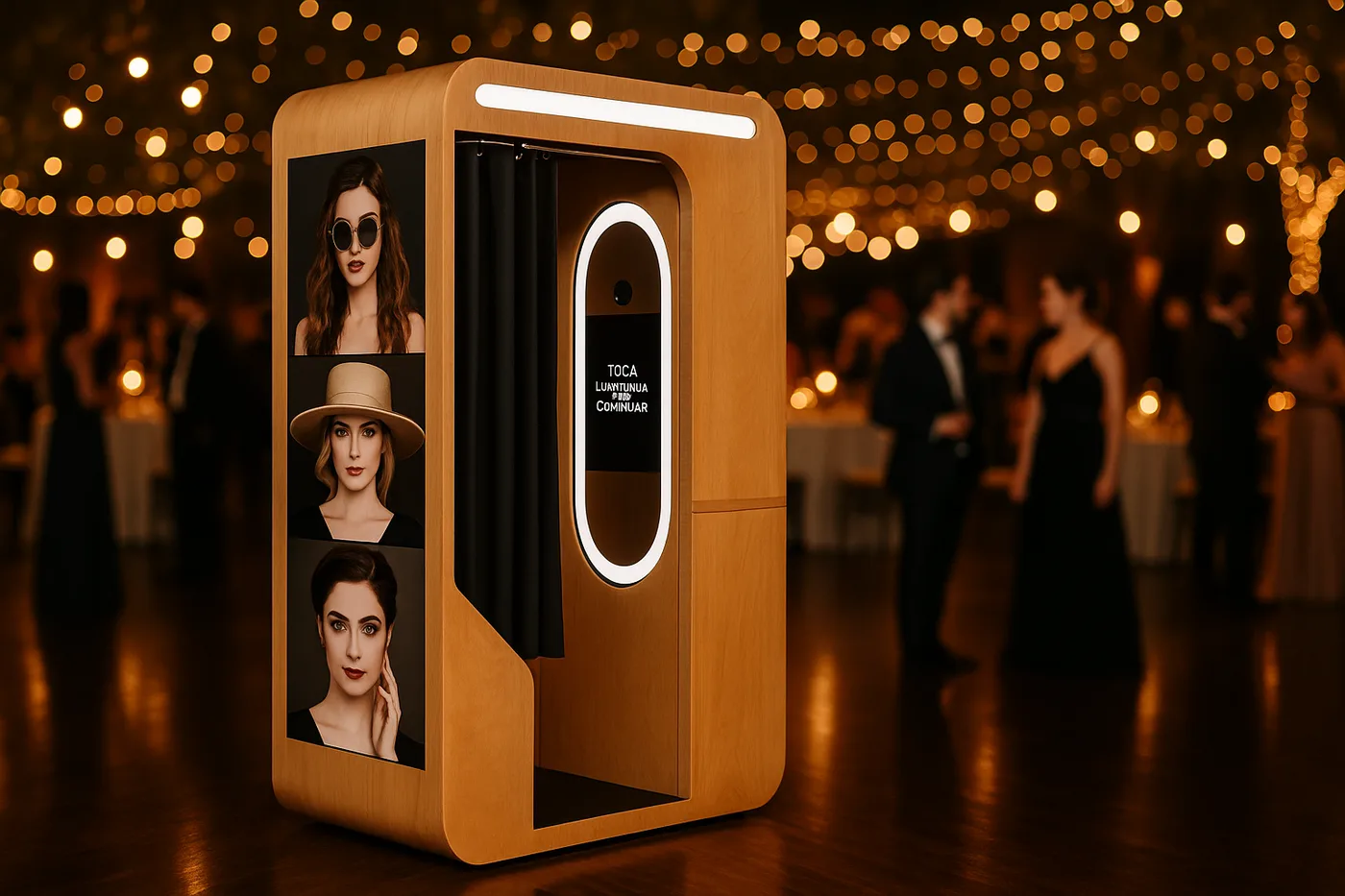
Vintage Vending, in wood. An enclosed booth with vintage finishes and real decorative presence, Nayax payment by card or coins, and the option of a Canon 2000D camera and a DNP printer with prints in about 9 seconds (conditions apply*). It is the one for a restaurant with a considered look, a characterful venue or a cocktail bar, because on top of billing, it decorates. It is demountable, so if the venue moves, it moves with it.
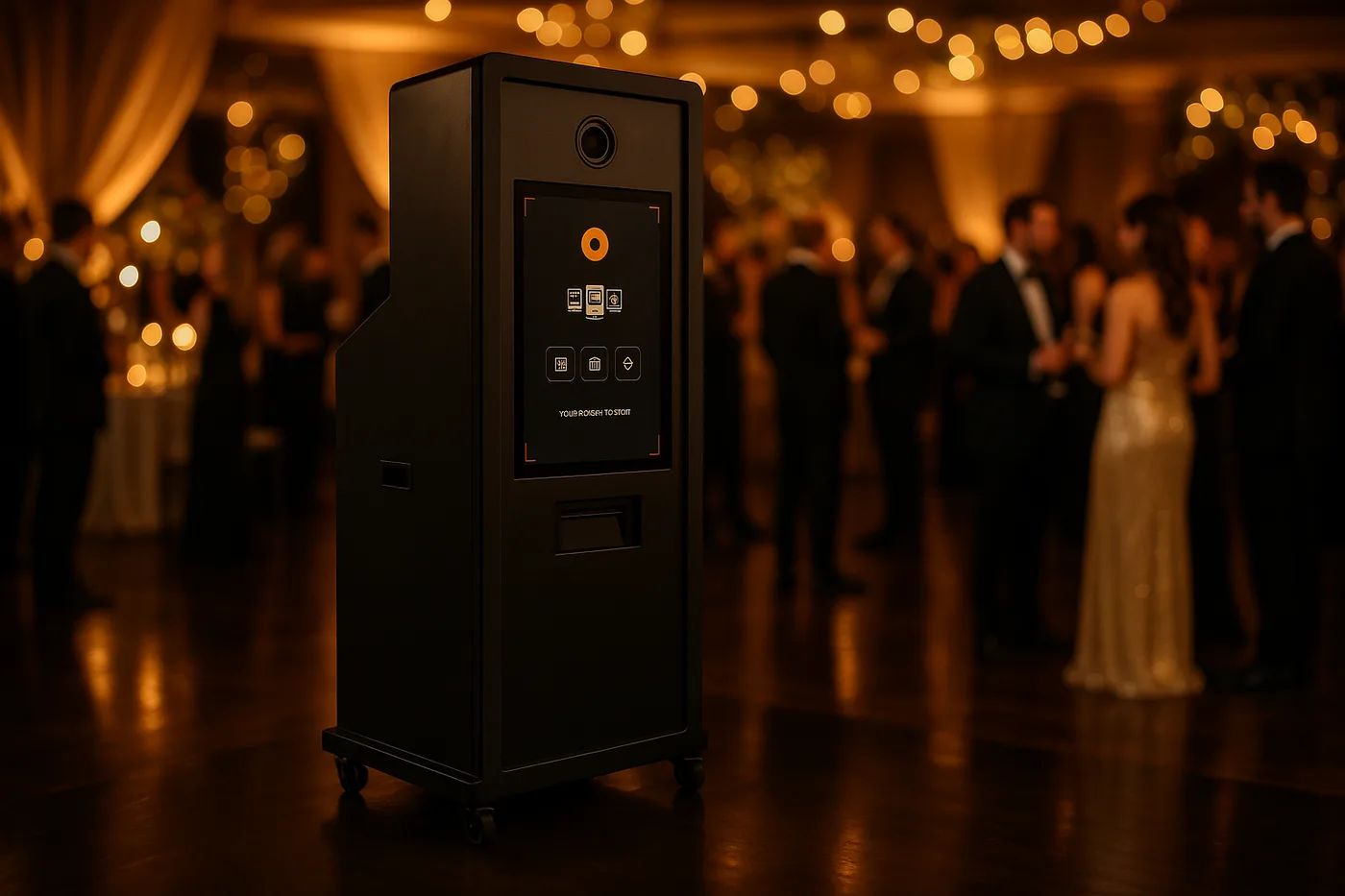
Metal Vending, vandal resistant. Reinforced metal structure, 45" tempered glass screen and contactless payment (card, phone and cash), with the option of a Canon EOS 2000D and a DNP DS620 printer (conditions apply*). This is the one for busy places with long hours: night pubs, large beer halls, nightlife venues. It takes heavy use and careless hands.
In both cases the camera and printer are quoted separately. The overview of the range is in vending photo booth, and if you want the same machine in another kind of venue, there are guides for hotels, shopping malls and theme parks.
- Vintage Vending: wood, card or coin payment, for characterful venues.
- Metal Vending: vandal resistant, 45" screen, contactless, for high traffic.
- Both are customised with the venue's logo and branding.
- Canon camera and DNP printer are quoted separately (conditions apply*).
Frequently Asked Questions
Is a Photo Booth Worth It in a Bar?
It is worth it when the venue has leisure footfall and waiting moments: group dinners, celebrations, queues at the bar or for a table. The booth charges per photo without occupying anyone on your team, takes little more than a third of a square metre and adds a second income from the advertising on its outer screen. In a quiet venue with little passing trade, no.
How Much Space Does a Photo Booth Need in a Venue?
The metal model is 174 x 63 x 55 cm, so on the floor it takes little more than a third of a square metre, less than a high table. The wooden one is a bit wider, roughly 1300 x 1950 x 850 mm. Leave a couple of metres clear in front so people can pose without blocking the way, and have a socket nearby.
Do I Need Staff to Look After It?
No. It is a self service machine: the customer walks up, takes the photo, pays by card or coins and picks up the print. Your team only reloads the paper roll now and then and wipes the glass at closing. Sessions and takings are monitored remotely from the management panel.
Who Keeps the Money from the Photos?
Whoever owns the machine. If the venue buys it, the takings go straight into its till and the only recurring cost is the consumable. If an outside operator installs it, a percentage split is agreed between operator and venue. The management panel shows sessions and takings in real time, so the split is verifiable.
Does It Take Cards or Coins?
Depends on the model. The Vintage Vending has an integrated Nayax system and takes card or coins. The Metal Vending takes contactless payment by card, phone and cash. Both can be switched to free mode with a settings change whenever you want to give the photos away.
What Does Each Print Cost in Consumable?
Around 14 cents with the DNP DS620 printer: a box of paper gives up to 800 prints and costs 109 €. That is the machine's only recurring cost, because the software is included and there is no staff behind it.
How Much Maintenance Does a Vending Photo Booth Need?
Reloading the paper roll when it runs out, which takes a couple of minutes, wiping the glass and screen at closing, and checking the management panel once a week. That is it. Units come with 3 years of official warranty and lifetime support over WhatsApp.
Can It Be Set to Free for a Venue Party?
Yes. Charging is switched off in the settings and the booth keeps shooting and printing without taking payment. That is standard for venue anniversaries, private bookings and sponsored activations, where a brand pays for the photos in exchange for appearing on the frame and the screen.
Which Model Is Better for a Bar or a Restaurant?
The wooden Vintage Vending for restaurants, cocktail bars and characterful venues, because it decorates as well as bills and can be taken apart to move. The vandal resistant Metal Vending for pubs, large beer halls and nightlife, with a 45" screen and contactless payment, because it takes heavy use and long hours.
Can It Be Branded with the Venue's Identity?
Yes, completely: the outer wrap, the welcome screen, the photo frame and the adverts that run on the screen. Every print a customer takes home carries the venue's name and logo, so the machine also works as advertising outside the bar.
Do I Need a Permit to Install It?
Installing a paid machine in a hospitality venue falls under municipal and regional rules, the same as any other vending machine. It is not a complicated procedure, but it varies by council, so confirm it with your accountant before installing.
Can I Run Several Booths in Different Venues?
Yes, and it is a business model in itself: you buy the booths, install them in third party venues and split the takings by percentage. The management panel controls every machine remotely from the same place. We set it out in the guide on how to start a photo booth business.
Our Photo Booths
Vending Vintage
Freestanding wooden booth with card payment for boutique hotels, weddings and activations
On request* →Vending Metal
Vandal-proof 24/7 metal booth with a 45" screen for high traffic
On request* →* Photo booth price. Canon camera and DNP printer optional, subject to conditions: ask us for a quote and we will put together the complete kit.
Related Guides
Need Help Choosing?
We're direct manufacturers. We'll advise you with no obligation for your case.