
How to Use ChackTok: Step-by-Step Guide
ChackTok is one of the most versatile photo booth apps out there: it works with 360, iPad and mirror, runs on iOS and Android, and lets you set up an event in just a few minutes. In this guide you'll see, step by step, how to get it ready for your first event. And if your business is 100% about 360 video, at the end we'll explain why it's worth comparing with a specialized app.
Step 1: Install the App and Create Your Event
Download ChackTok from the App Store or Google Play and sign in. When you open it, pick an event from the template library to get started fast, or build a custom one from scratch. Each event stores its own template, capture modes and sharing settings, so you can have one for weddings, another for corporate and another for birthdays.
Step 2: Customize the Template
ChackTok includes a WYSIWYG visual editor: what you see is what you get. Upload your overlays, frames and stickers (ideally PNG with a transparent background), and even animated GIFs for weddings or brands. Tweak logos, colors and text until the design fits the event.
Step 3: Set Up the Capture Modes
In the event's general settings you choose the modes: 360 video, photo, GIF or custom video (combining normal speed, fast and slow motion). For 360, control the speed, direction and duration of the spin. If you're using a motorized platform, turn on Bluetooth and tap the connection icon (top left) to pair the hardware.
Step 4: Adjust How Content Is Shared
Decide what options your guests see when they finish: QR code, email, SMS, social media or the app's gallery. Leave only the ones you care about active to keep the line moving at the event. With the QR code, each guest gets their video or photo on their phone in seconds.
ChackTok or an App 100% Focused on 360
ChackTok does a solid job when you're juggling several setups (360, iPad, mirror). If, on the other hand, your business is exclusively about 360 video, a specialized app usually delivers a more polished experience, clearer pricing and support in your language. Compare options in our guide to the best 360 photo booth software, where Snap360 tops the comparison thanks to its pure focus on 360.
Frequently Asked Questions
What Devices Does ChackTok Work On?
ChackTok is available on iOS (iPad and iPhone) and on Android, and can be downloaded from the App Store and Google Play. The iPad is the most common choice for events because of its screen size.
Is ChackTok Good for a 360 Photo Booth?
Yes. ChackTok supports 360 mode with control over the speed, direction and duration of the spin, plus photo, GIF and custom video. It's a versatile app, though it isn't focused exclusively on 360.
How Do I Connect the Spinning Platform to ChackTok?
Turn on the device's Bluetooth and tap the connection icon in the top-left corner of the app to pair the motorized platform. From there you adjust the speed and direction of the spin.
ChackTok or Snap360 for a 360 Business?
ChackTok is a good option if you combine 360, iPad and mirror. If your focus is pure 360 video, it's worth comparing with Snap360, which specializes in 360, with clear pricing (24,99 €/month) and support in Europe.
Does ChackTok work without internet during the event?
Capture works offline, but sending the videos needs a connection. If the venue has poor coverage, record locally and share when the signal returns, or test before the event with airplane mode on so you know exactly what you will face.
Does ChackTok Work as a Magic Mirror Photo Booth App?
Yes. A ChackTok magic mirror photo booth runs on the same app: you mount the iPad or tablet behind the mirror glass, pick a mirror layout and the touch animations play over the reflection. Events, overlays and sharing settings are shared with your 360 and iPad setups, so you only build the template once.
Our Photo Booths
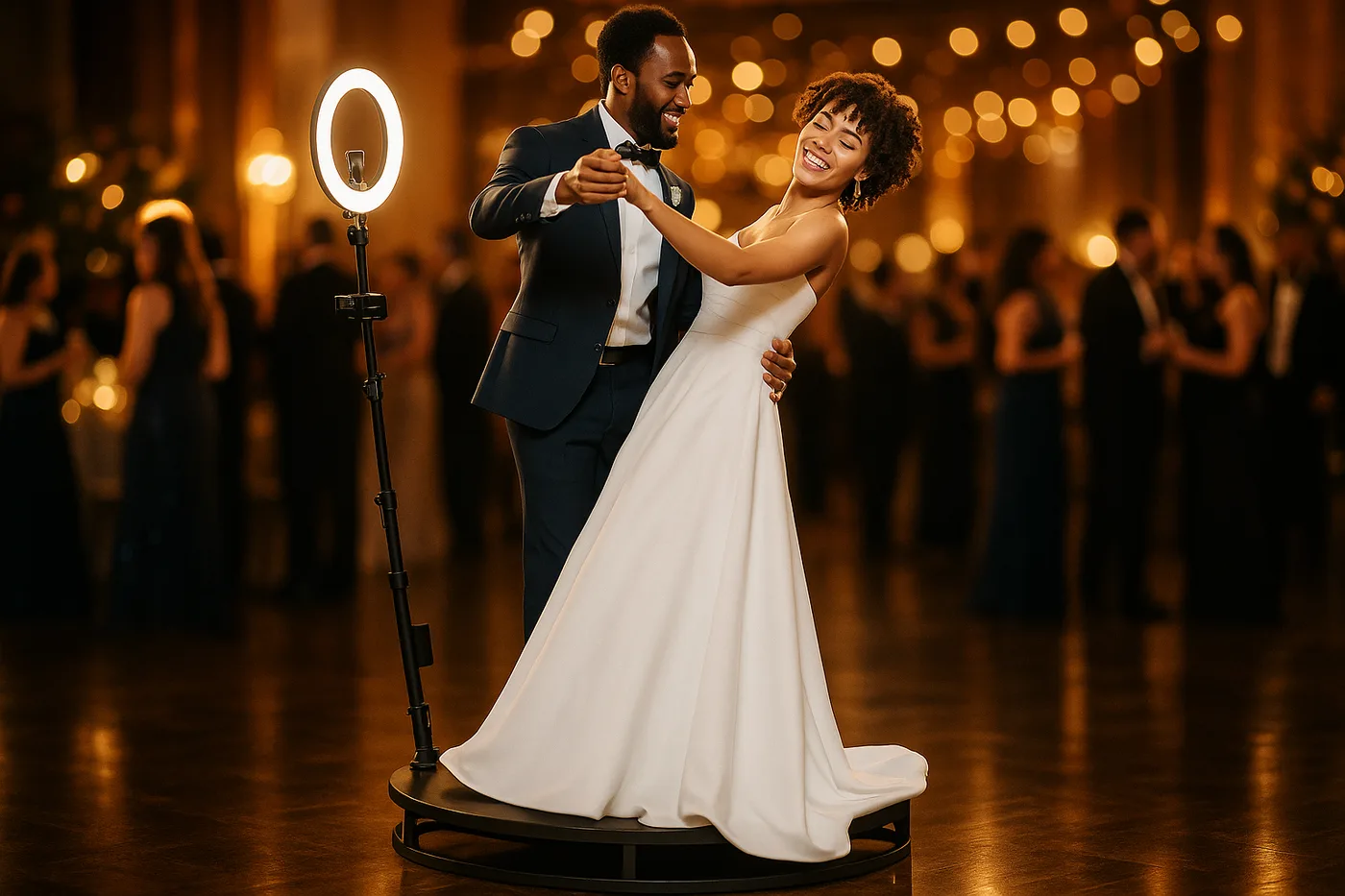
360 Platform
The most viral spinning 360 platform for weddings and events
From 2.690 € →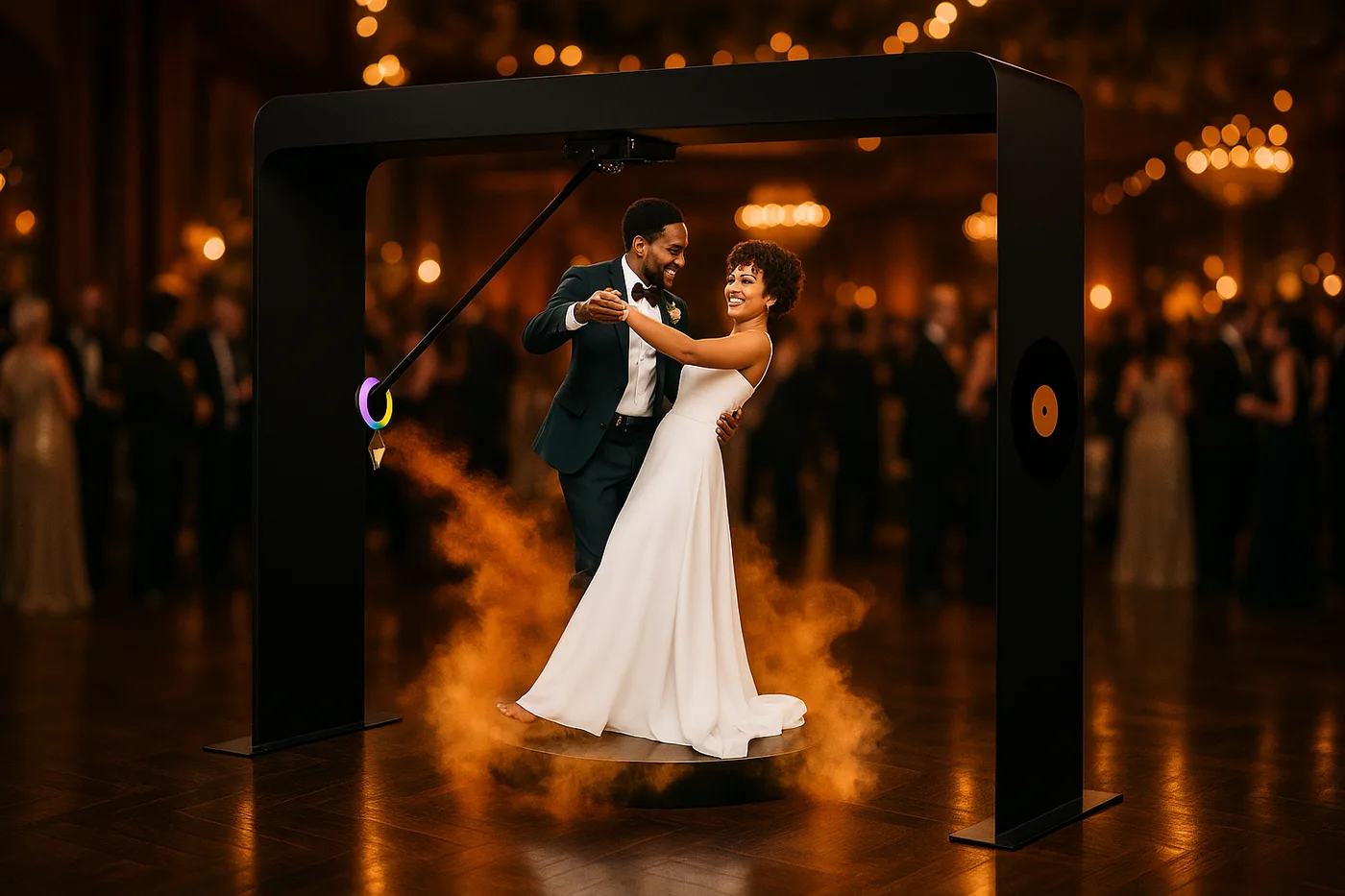
Overhead 360
The overhead arm that flies around your group: up to 14 people, indoors and outdoors
From 3.290 € →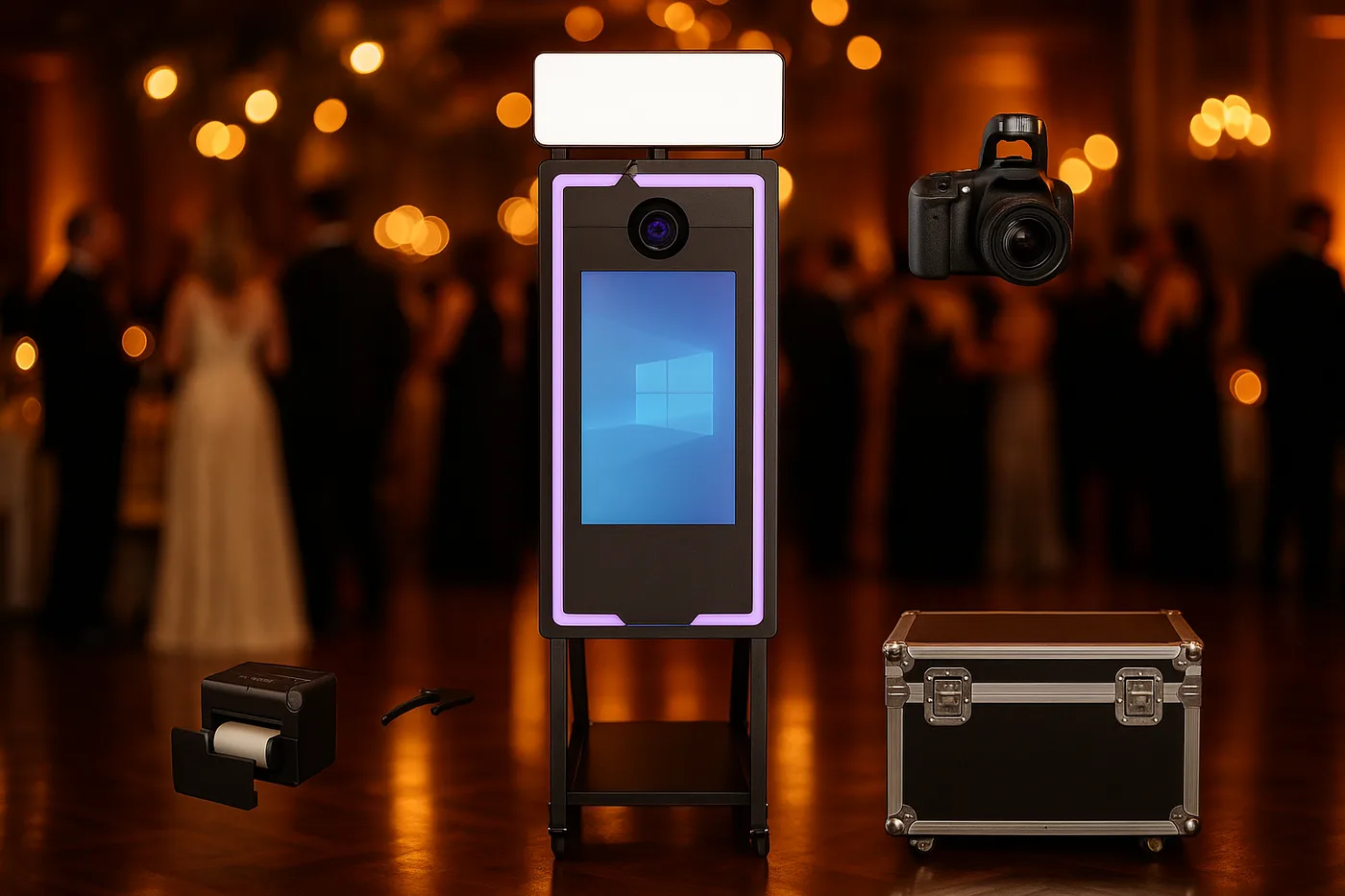
Magic Mirror
Elegance and a premium experience for weddings, ready for instant printing*
From 2.290 €* →* Photo booth price. Canon camera and DNP printer optional, subject to conditions: ask us for a quote and we will put together the complete kit.
Keep reading

Need Help Choosing?
We're direct manufacturers. We'll advise you with no obligation for your case.