
How to Use Simple Booth: Step-by-Step Guide
Simple Booth HALO is one of the most established iPad photo booth apps: photo, GIF, boomerang and video, with a setup you can do in under a minute. In this guide you'll see how to get it ready for your event. And if you're after 360 video rather than a classic photo booth, at the end we'll tell you about the alternative.
Step 1: Set Up the Equipment
The basics come down to three things: the HALO app, an iPad and a stand to hold it. Optionally, the HALO kit adds studio lighting in an aluminum case that's easy to set up and carry. With that, the photo booth is up and running in under a minute.
Step 2: Configure Your Event
Open HALO on the iPad and pick a themed or branded design for the event. Customize branding and overlays (logos, colors, frames) depending on whether it's a wedding, a corporate event or a marketing campaign. Each configuration is saved so you can reuse it.
Step 3: Capture Modes and Editing
Simple Booth offers photo, GIF, boomerang and video. During capture, guests can apply filters and edit their image before sending it. The flow is fast and designed to keep the line moving without friction.
Step 4: Sharing and Data Capture
Guests get their content instantly via SMS, email, AirDrop, WhatsApp or social media (Instagram, Facebook, X), plus direct download, QR code or printing in a classic strip. HALO stands out for its data capture (high opt-in rate) and its analytics dashboard and remote management of multiple iPads, very useful for rental businesses.
Simple Booth for Classic, Snap360 for 360
Simple Booth is a great choice for a classic photo booth on iPad. But if your business is (or wants to be) about 360 video, that's not its territory. For that, check out our guide to the best 360 photo booth software: Snap360 specializes in spinning video, with clear pricing and European support.
Frequently Asked Questions
What Devices Does Simple Booth Work On?
Simple Booth HALO is built for the iPad as its main platform. Guests can receive their photos on any phone (iPhone or Android) via SMS, email or AirDrop.
What Do I Need to Set Up Simple Booth?
Just the HALO app, an iPad and a stand. Optionally, the HALO kit adds studio lighting and an aluminum case so you can set up and transport the photo booth in under a minute.
Does Simple Booth Do 360 Video?
It's not its specialty. Simple Booth focuses on the classic photo booth (photo, GIF, boomerang, video) on iPad. For 360 video, a specialized app like Snap360 is the way to go.
Simple Booth or Snap360?
If you do classic photo booths on iPad, Simple Booth is solid. If your focus is the 360 photo booth, Snap360 specializes in spinning video, with clear pricing (24,99 €/month) and support in Europe.
How much does Simple Booth HALO cost?
HALO runs on subscription with several tiers depending on features and volume, and the price climbs with sharing and analytics extras. Before subscribing, compare the twelve-month cost with alternatives like Snap360App (239,99 €/year with unlimited events).
Our Photo Booths

360 Platform
The most viral spinning 360 platform for weddings and events
From 2.690 € →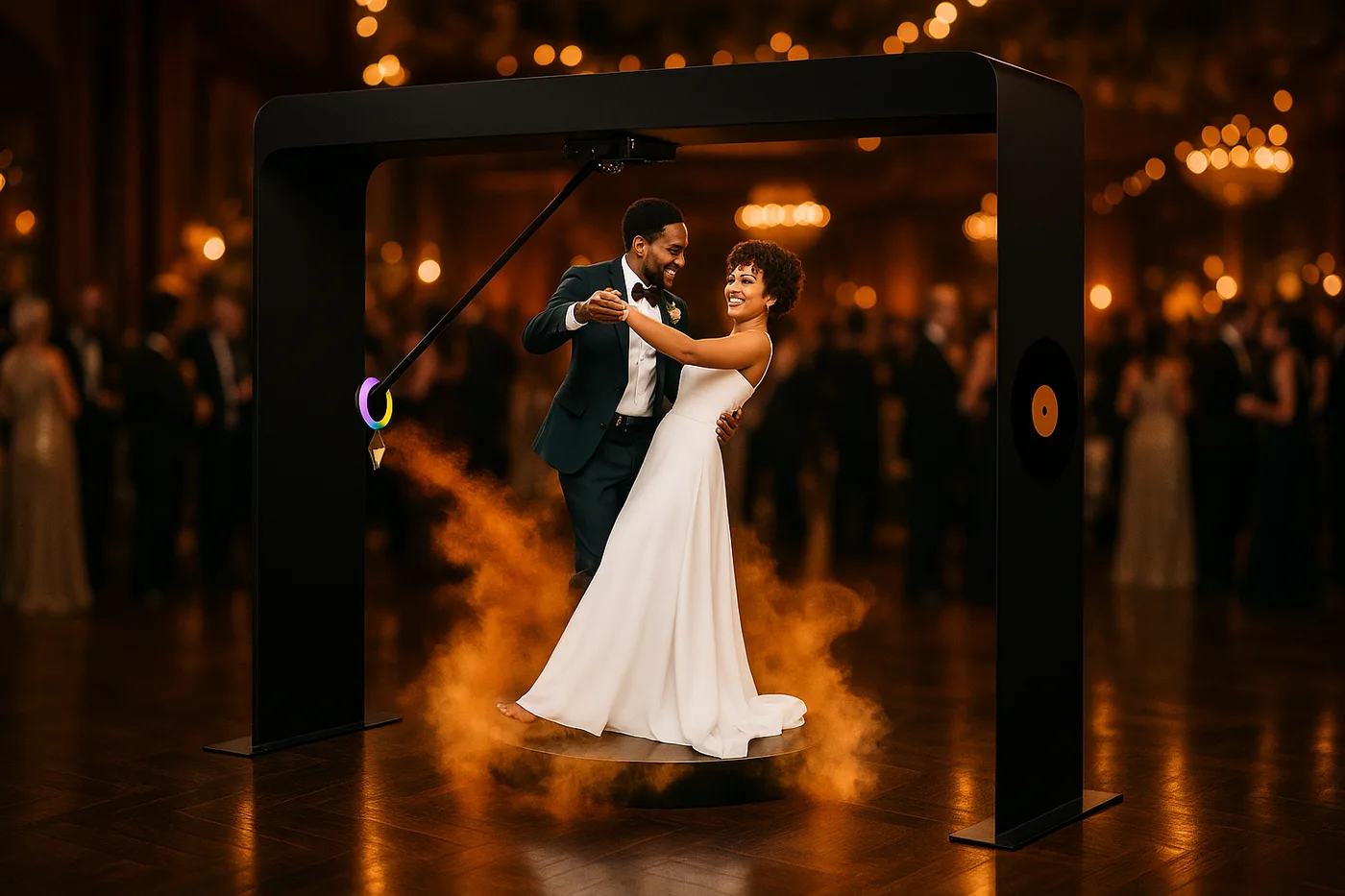
Overhead 360
The overhead arm that flies around your group: up to 14 people, indoors and outdoors
From 3.290 € →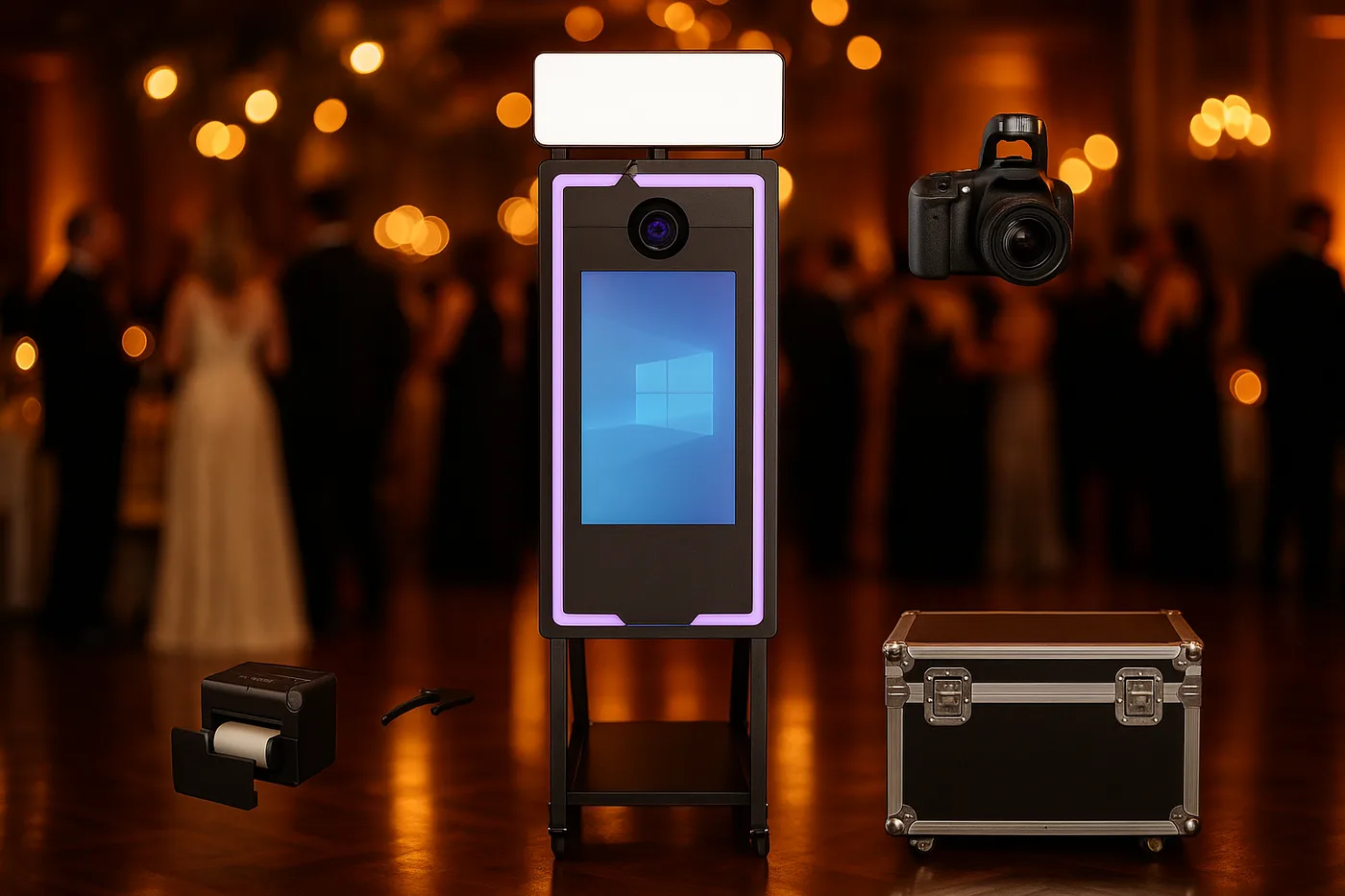
Magic Mirror
Elegance and a premium experience for weddings, ready for instant printing*
From 2.290 €* →* Photo booth price. Canon camera and DNP printer optional, subject to conditions: ask us for a quote and we will put together the complete kit.
Keep reading
Need Help Choosing?
We're direct manufacturers. We'll advise you with no obligation for your case.