
Tutorials
How to Use ChackTok: Step-by-Step Guide
How to use ChackTok step by step: create the event, customize the template, set up 360 and photo/GIF modes, connect the platform and share via QR or email.
How to Use Simple Booth: Step-by-Step Guide
How to use Simple Booth HALO step by step: set up the iPad, configure the event, choose overlays, photo/GIF/boomerang and share via SMS, email or AirDrop.
How to Use a Photo Booth App: The Universal Steps
How to use any photo booth app: create the event, pick a template, connect the camera and test sharing. The universal steps, with a guide for each app.
How to Edit an Event in Snap360
How to edit an event in Snap360 step by step: change the template, music and branding, adjust the gallery and save your changes before the event.
The Snap360 WebApp: Manage Your Events from Your Computer
How to use the Snap360 WebApp to manage your events from your computer: review galleries, download and share videos, and organize your business faster.
How to Use dslrBooth: Basic Step-by-Step Guide
How to use dslrBooth step by step: connect the camera, set the modes (photo, GIF, boomerang), template, DNP printing and sharing. Plus the 360 alternative.
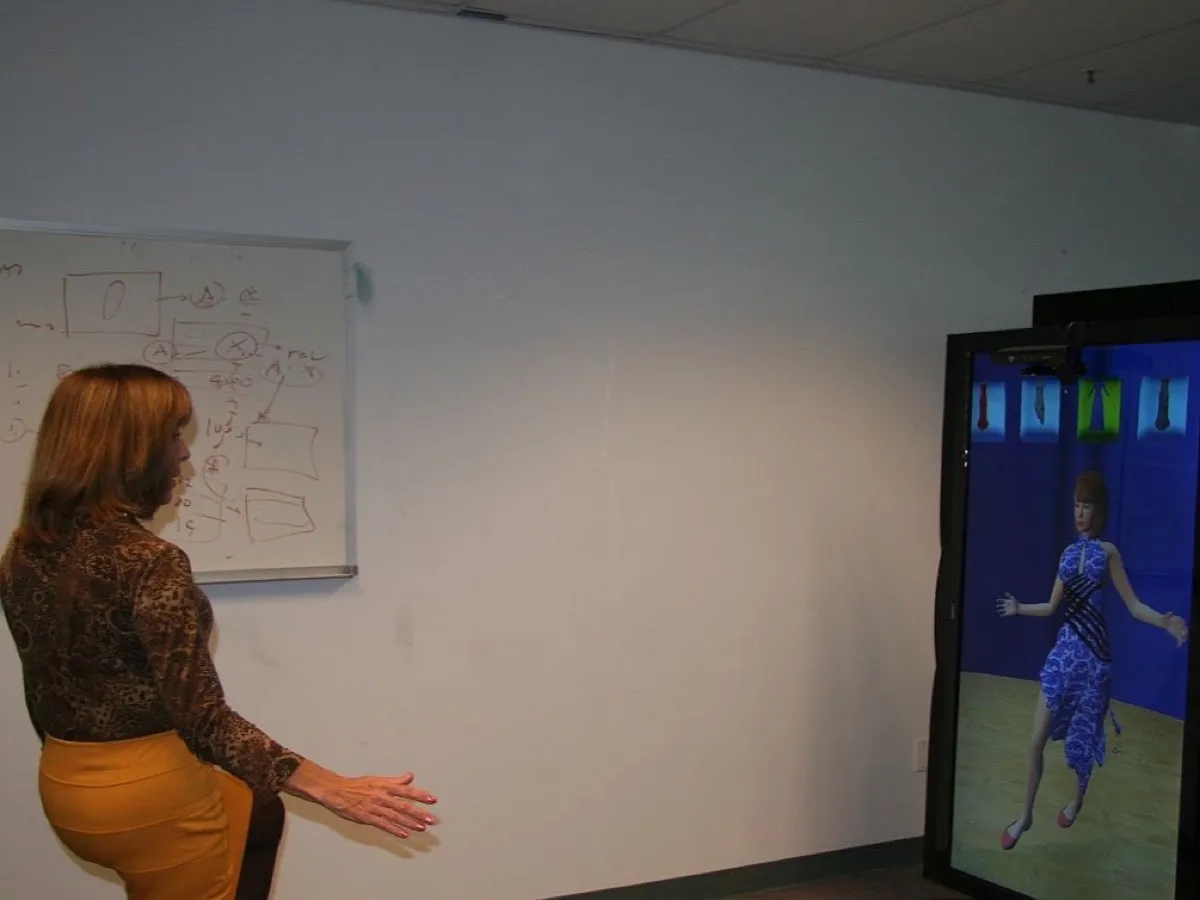
How to Use LumaBooth: Basic iPad Guide
How to use LumaBooth on iPad step by step: session, mode (photo, GIF, boomerang), template, printing and sharing. Plus the 360 video alternative.
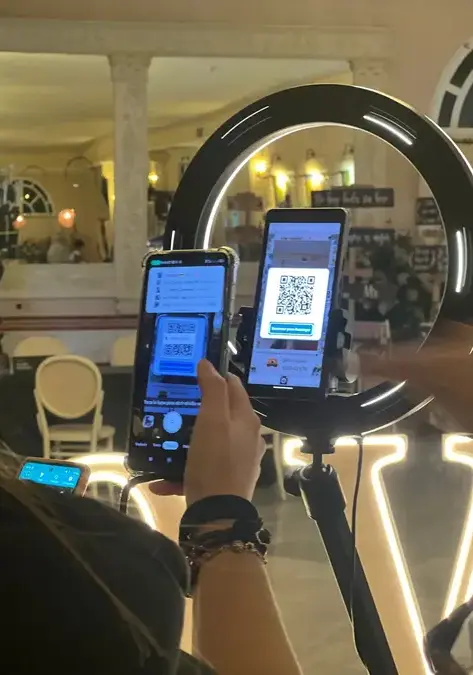
How to Use Snap360 with Your 360 Photo Booth (Step by Step)
Step-by-step Snap360 tutorial, the 360 photo booth app: download, create your event, customize the template, record and share videos instantly.